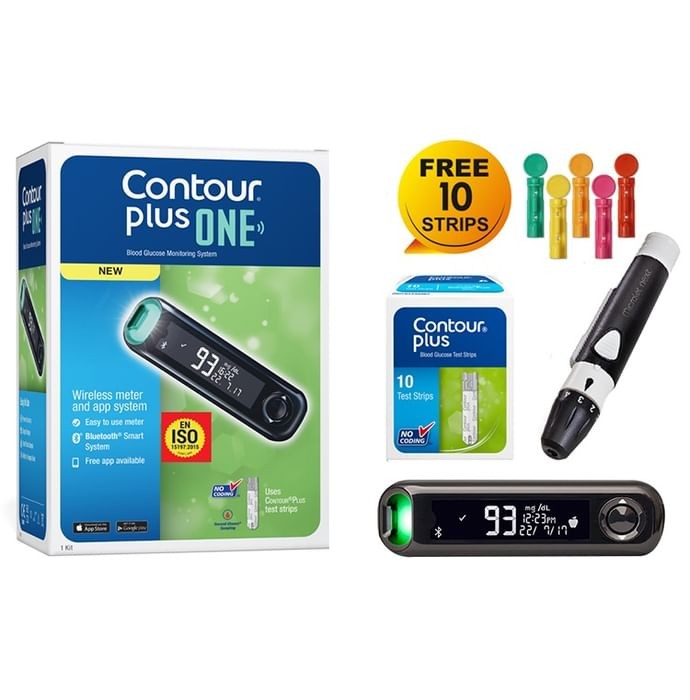

Contour Plus One Blood Glucose Monitoring System Glucometer with Contour Plus Blood Glucose Test Strip 10S Free
Ascensia Diabetes Care India Pvt Ltd
Product highlights
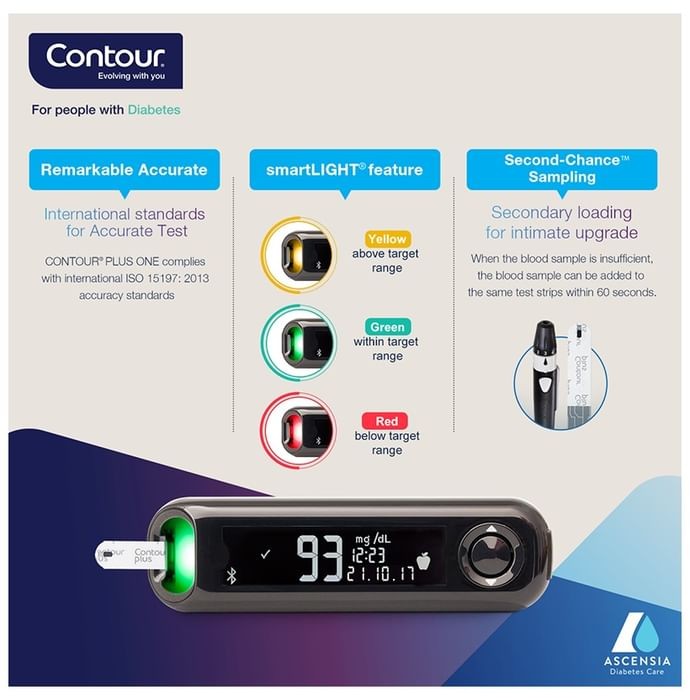
- Varied illumination displays correspond to the respective measurement intervals.
- The Smartlight function signals elevated or reduced blood sugar levels.
- Repeat testing minimizes the necessity of repeated punctures and test strip disposal.
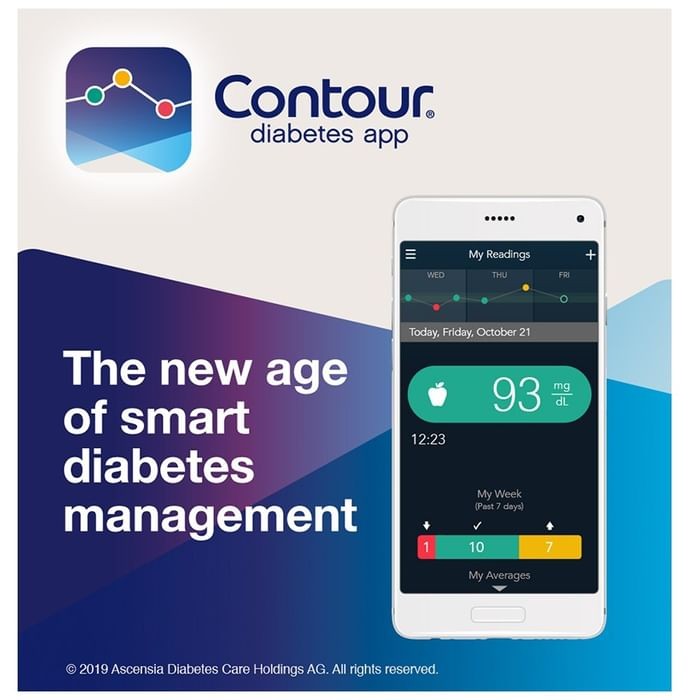
- Integrates with an app for comprehensive data logging.
Overview Contour Plus One Blood Glucose Monitoring System Glucometer with Contour Plus Blood Glucose Test Strip 10S Free
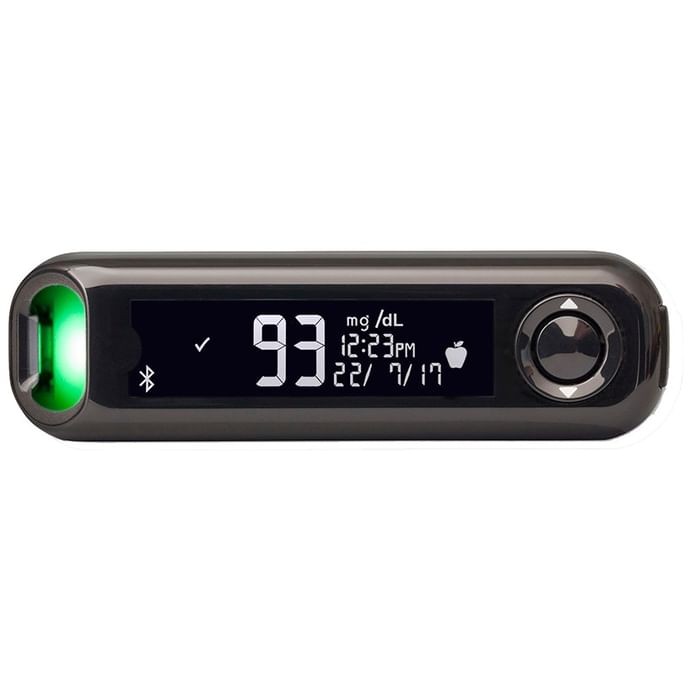
The Contour Plus One Blood Glucose Monitoring System, including 10 free Contour Plus test strips, offers a user-friendly, 5-second result system. Its smartLIGHT feature instantly indicates glucose levels via color-coded feedback: green (within range), amber (above range), or red (below range). Meeting ISO 15197:2013 accuracy standards, the system seamlessly integrates with the free CONTOUR DIABETES app for comprehensive diabetes management, providing insightful data analysis. Applications: This glucometer and its associated strips effectively manage diabetes and related symptoms. Key Features & Specifications: The smartLIGHT system uses color-coded lights (amber: high, green: target, red: low) for quick result interpretation. A second-chance sampling feature prompts users to reapply blood if insufficient, preventing wasted strips and repeated lancing. ISO 15197:2013 accuracy standards are exceeded. Bluetooth connectivity with the Contour Diabetes app allows for data logging, trend analysis, and potential cause notifications. The app generates shareable reports for healthcare professionals. Compatibility: Contour Plus Blood Glucose Test Strips. Instructions: Insert the test strip (grey end first) into the meter (auto-activation). Apply blood immediately. Record fasting status or meal timing. Safety: Read all labels before use. Keep out of reach of children. Avoid damage. Store in a clean, dry area. Check strip expiration dates. Wash and dry hands before testing. Tips: Calibrate the meter with each new test strip box. Avoid squeezing your finger during blood sampling. FAQs: Setup: Setup is possible via the meter itself or the CONTOUR DIABETES app. Consult the user guide for meter-based setup. The app guides users through a simultaneous meter and app setup. Activation: Activate by pressing and holding the large button or inserting a test strip. Insufficient Blood: A double beep and flashing icon indicate insufficient blood. Reapply within 60 seconds. Apple Symbols: These meal markers help the smartLIGHT system provide context-aware range indications. Contact: Customer Care ID: [email protected], Phone: 18001230123
How to Use Contour Plus One Blood Glucose Monitoring System Glucometer with Contour Plus Blood Glucose Test Strip 10S Free:
Place the test strip, grey square first, into the meter (activating the device). Apply blood to the strip without delay. The meter will show the glucose reading once you've indicated whether the sample was taken before, after, or without regard to a meal.
Safety Instruction of Contour Plus One Blood Glucose Monitoring System Glucometer with Contour Plus Blood Glucose Test Strip 10S Free:
- Always check the product label before administration.
- Store in a location inaccessible to children.
- Prevent physical harm.
- Keep in a clean, dry environment.
- Confirm the expiration date on the test strips.
- Remember to cleanse and dry your hands prior to the test.

Rate your recent purchases
Your ratings and reviews help lakhs of people purchase the right product.
Ratings & Reviews
Ratings 0 Reviews
 3,018 People bought this recently