Control D Comfort Lancing Device (Only Device) White
Haiden Technology Pvt Ltd
Product highlights
- Five adjustable intensity settings ensure user-friendly operation.
- Features an internal vibration dampening system for enhanced patient comfort during procedures.
- An ingenious spring system facilitates effortless blood collection.
Overview Control D Comfort Lancing Device (Only Device) White
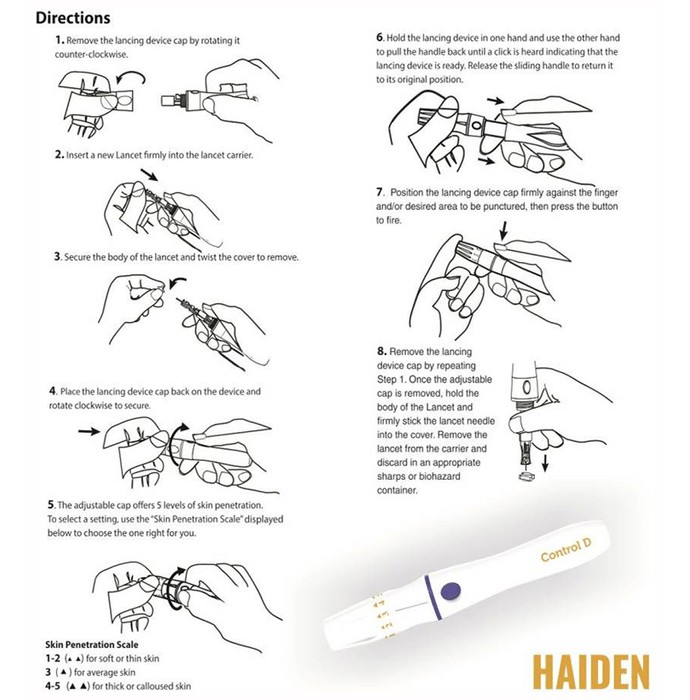
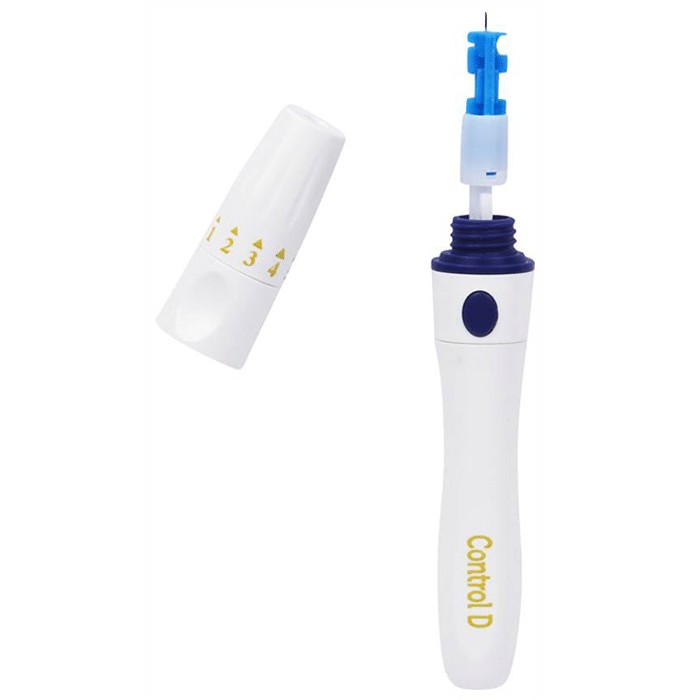
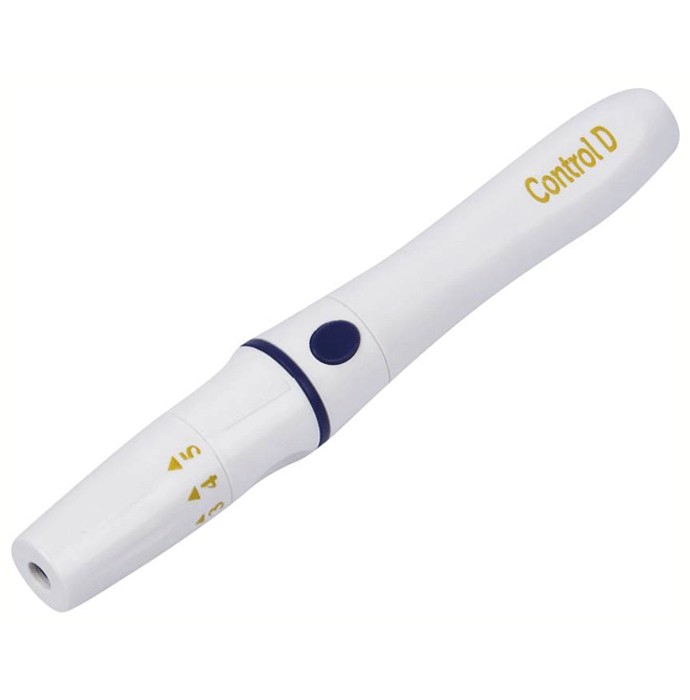
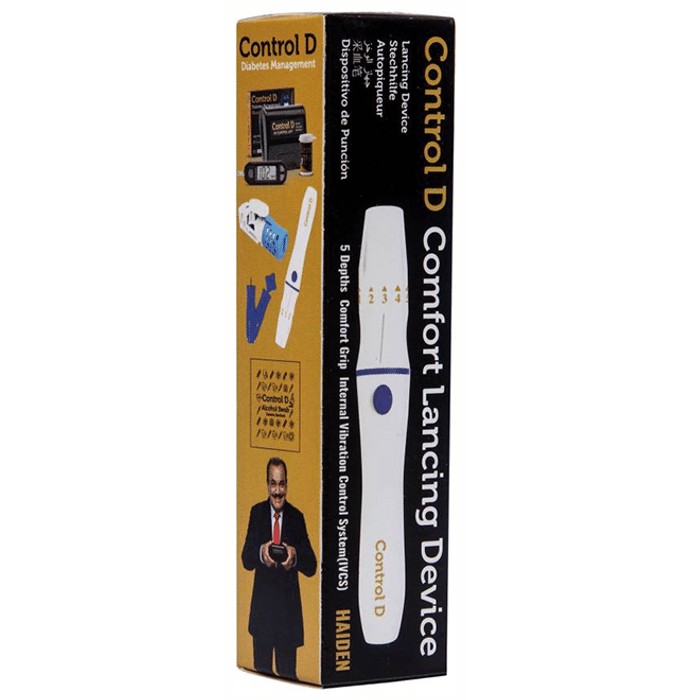
The Control D Lancing Device, a white glucometer, is a crucial tool for effective diabetes management. Its design prioritizes speed, precision, and patient comfort in blood glucose monitoring. Featuring a five-level depth adjustment, an ergonomic grip, and an integrated vibration control system (IVCS), this home-use device ensures a gentler blood draw. It's designed to collect capillary whole blood for glucose testing, working seamlessly with compatible blood glucose meters and test strips to help manage diabetes and related conditions. Specifications include: a minimal 0.5 µL blood sample requirement for reduced discomfort; a five-setting depth adjuster for personalized use; the IVCS for a more comfortable experience; tri-bevel, electro-polished lancet tips for minimized pain; and a smooth, spring-loaded lancing mechanism. Blood sample reading time is just 5 seconds. Compatibility extends to all round lancets. Instructions: Unscrew the cap counterclockwise. Insert a new lancet securely. Twist and remove the protective cover. Replace and tighten the cap clockwise. Adjust the depth setting (1-5). Hold the device, pull the handle until it clicks. Release the handle. Position against the puncture site; press the trigger. Remove the cap (as in step 1). After use, firmly insert the used lancet into the cover; remove and dispose of in a biohazard container. Safety Precautions: Read instructions thoroughly. Keep out of reach of children. Protect from damage. Store in a clean, dry place. Verify strip expiry dates. Wash and dry hands before use. Tip: Avoid squeezing the finger during sampling. FAQs: Compatible lancets: All round lancets. Depth adjustment: Use the adjustable cap's 5 settings (1-2: thin skin; 3: average; 4-5: thick/calloused skin). Lancets included: No, purchase separately.
How to Use Control D Comfort Lancing Device (Only Device) White:
Unscrew the lancing device's cap by turning it leftward. Insert a fresh lancet into the holder, ensuring a snug fit. Secure the lancet and twist off the protective cover. Replace and tighten the cap by turning it rightward. Adjust the depth setting using the five available positions on the cap. Grip the device; with your other hand, retract the handle until it clicks, signifying readiness. Release the handle to its resting position. Press the device's cap against the puncture site and activate the trigger. Repeat the initial unscrewing action to remove the cap. After removing the adjustable cap, grasp the lancet body and firmly insert the needle into the cap. Remove the used lancet and dispose of it properly in a designated sharps container.
Safety Instruction of Control D Comfort Lancing Device (Only Device) White:
- Always check the product label before administration.
- Store away from children.
- Prevent physical harm.
- Keep in a clean, dry environment.
- Confirm the expiration date on the test strips.
- Always wash and thoroughly dry your hands prior to performing the test.

Rate your recent purchases
Your ratings and reviews help lakhs of people purchase the right product.
Ratings & Reviews
Ratings 0 Reviews
 3,018 People bought this recently